Lightweight & Powerful

Build XPath Expressions
Like Never Before

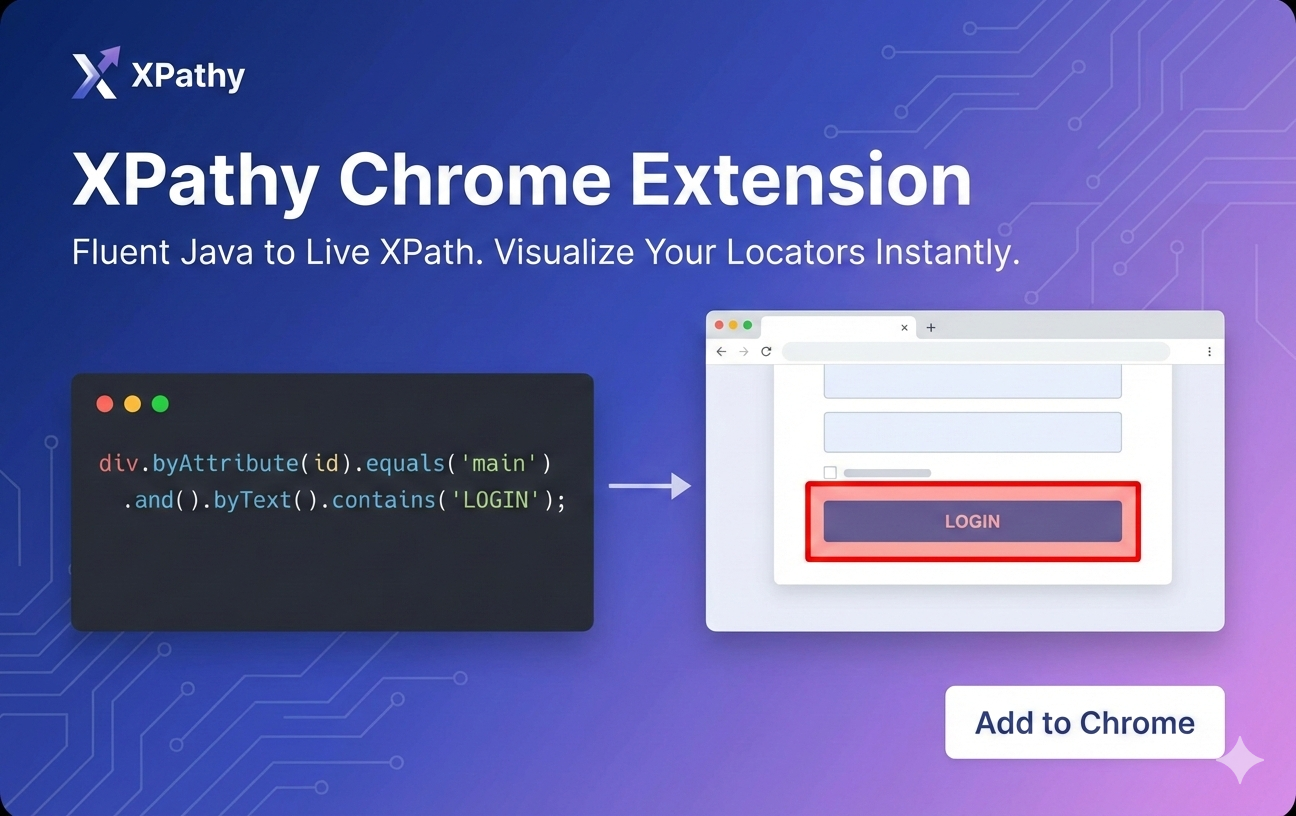
XPathy is a fluent Java library that transforms complex XPath strings into readable, maintainable code. Say goodbye to brittle locators and hello to scalable test automation.

3.0.1
Latest Version
Java 3.0+
Compatible
Selenium 3.1+
Dependencies
XPathyExample.java
// Before: Brittle and hard to read
String xpath = "//div[@id='main' and contains(text(), 'Hello')]";

// After: Fluent and maintainable
XPathy locator = div.byAttribute(id).equals("main")
                    .and()
                    .byText().contains("Hello");

// Get Selenium By object
By by = locator.getLocator();

Why Choose XPathy?

Transform your Selenium automation with a fluent API that makes XPath expressions readable and maintainable

Fluent API

Chain methods naturally to build complex XPath expressions without juggling strings and brackets

Readable Code

Express intent clearly with method names that describe what you're looking for, not how to find it

Maintainable

Update locators easily as your UI evolves without deciphering cryptic XPath strings

Type Safe

Catch errors at compile time with Java's type system instead of runtime XPath failures

Powerful Transformations

Normalize case, whitespace, and special characters to create robust locators that handle UI variations

DOM Navigation

Traverse parent, child, sibling, and ancestor relationships with intuitive method chaining

Get Started in Seconds

Add XPathy to your project via JitPack with just a few lines

1

Add JitPack Repository

Include the JitPack repository in your pom.xml

2

Add XPathy Dependency

Include the XPathy library in your dependencies

3

Start Building

Import and start creating fluent XPath expressions

pom.xml
<repositories>
  <repository>
    <id>jitpack.io</id>
    <url>https://jitpack.io</url>
  </repository>
</repositories>

<dependencies>
  <dependency>
    <groupId>com.github.Volta-Jebaprashanth</groupId>
    <artifactId>xpathy</artifactId>
    <version>3.0.1</version>
  </dependency>
</dependencies>

See XPathy in Action

Explore real-world examples showcasing XPathy's powerful features

Attribute Matching

import static com.xpathy.Attribute.*;

// Find element by ID
XPathy locator = id.contains("login-button");
// Result: //*[contains(@id, 'login-button')]

// Find element by class
XPathy locator = class_.equals("active");
// Result: //*[@class='active']

Tag with Attributes

import static com.xpathy.Tag.*;

// Find div by ID
XPathy locator = div.byAttribute(id)
    .equals("main-container");
// Result: //div[@id='main-container']

// Find button by data attribute
XPathy locator = button.byAttribute(data_testid)
    .startsWith("submit-");
// Result: //button[starts-with(@data-testid, 'submit-')]

Text Content

import static com.xpathy.Text.*;

// Find by text content
XPathy locator = div.byText()
    .contains("Welcome");
// Result: //div[contains(text(), 'Welcome')]

// Global text search
XPathy locator = Text.startsWith("Error");
// Result: //*[starts-with(text(), 'Error')]

Numeric Comparisons

// Greater than comparison
XPathy locator = td.byNumber()
    .greaterThan(10);
// Result: //td[number(text()) > 10]

// Between range
XPathy locator = span.byNumber()
    .between(5, 15);
// Result: //span[number(text()) >= 5 and number(text()) <= 15]

Child Navigation

// Find child element
XPathy locator = ul.byAttribute(id).equals("menu")
    .$child(li)
    .byText().contains("Contact");

// Result: //ul[@id='menu']/child::li[contains(text(), 'Contact')]

Parent Navigation

// Navigate to parent
XPathy locator = span.byText().equals("$19.99")
    .$parent(div)
    .byAttribute(class_).equals("product");

// Result: //span[text()='$19.99']/parent::div[@class='product']

Sibling Navigation

// Following sibling
XPathy locator = label.byText().equals("Username")
    .$followingSibling(input)
    .byAttribute(type).equals("text");

// Result: //label[text()='Username']/following-sibling::input[@type='text']

Descendant Navigation

// Find descendant
XPathy locator = section.byAttribute(id).equals("content")
    .$descendant(p)
    .byText().contains("Welcome");

// Result: //section[@id='content']/descendant::p[contains(text(), 'Welcome')]

AND Operations

XPathy locator = div.byAttribute(id)
    .equals("main-container")
    .and()
    .byText().contains("Hello World");

// Result: //div[@id='main-container' and contains(text(), 'Hello World')]

OR Operations

XPathy locator = div.byAttribute(id)
    .equals("main-container")
    .or()
    .byText().contains("Hello World");

// Result: //div[@id='main-container' or contains(text(), 'Hello World')]

NOT Operations

XPathy locator = div.byText()
    .contains("Hello World")
    .and()
    .byAttribute(id).not().equals("main-container");

// Result: //div[contains(text(), 'Hello World') and not(@id='main-container')]

Union Operations

XPathy locator = button.byAttribute(id)
    .union(Or.equals("login-btn"),
           Or.equals("signin-btn"),
           Or.contains("auth"));

// Result: //button[@id='login-btn' or @id='signin-btn' or contains(@id, 'auth')]

Case Transformations

import static com.xpathy.Case.*;

// Ignore case
XPathy locator = button.byAttribute(id)
    .withCase(IGNORED)
    .contains("login-button");

// Force uppercase
XPathy locator = label.byText()
    .withCase(UPPER)
    .equals("USERNAME");

Whitespace Normalization

// Normalize spaces
XPathy locator = div.byText()
    .withNormalizeSpace()
    .equals("Invalid password");

// Result: //div[normalize-space(text())='Invalid password']

Character Filtering

import static com.xpathy.Only.*;

// Keep only letters and numbers
XPathy locator = td.byText()
    .withKeepOnly(ENGLISH_ALPHABETS, NUMBERS)
    .equals("ORD1234");

// Remove special characters
XPathy locator = span.byText()
    .withRemoveOnly(SPECIAL_CHARACTERS)
    .contains("1999");

Multiple Transformations

// Chain transformations
XPathy locator = div.byText()
    .withNormalizeSpace()
    .withRemoveOnly(NUMBERS)
    .withCase(IGNORED)
    .contains("premium cafe");

// Handles: " Prémium Café 2024 " or "PREMIUM CAFE"

Basic Having

XPathy locator = div.byAttribute(class_)
    .equals("product-card")
    .and()
    .byHaving(
        span.byText().contains("In Stock")
    );

// Result: //div[@class='product-card' and ( span[contains(text(), 'In Stock')] )]

Having with Child

XPathy locator = table.byHaving().child(
    tr.byAttribute(class_).equals("total-row")
);

// Result: //table[( ./tr[@class='total-row'] )]

Having with Descendant

XPathy locator = section.byAttribute(id)
    .equals("checkout")
    .and()
    .byHaving().descendant(
        button.byText().contains("Place Order")
    );

// Result: //section[@id='checkout' and ( .//button[contains(text(), 'Place Order')] )]

Having with Ancestor

XPathy locator = div.byAttribute(class_)
    .equals("price-tag")
    .and()
    .byHaving().ancestor(
        section.byAttribute(id).equals("product-details")
    );

// Result: //div[@class='price-tag' and ( ancestor::section[@id='product-details'] )]

Complete Documentation

Explore comprehensive guides for every XPathy feature

Created by

Volta Jebaprashanth

Passionate about building tools that make developers' lives easier. XPathy was born from the frustration of maintaining brittle XPath locators in large-scale Selenium test suites.

Volta Jebaprashanth